


We all know how hard it is to find a great designer that you can trust your project. Although there are lots of freelance platforms and portfolio services available online – there is simply too much to consider before deciding on working with one of the candidates. I’ll try to clear up the air for you in this article. jim We’ll look at what Behance can offer us in terms of identifying, selecting and contacting art professionals of any level that you can connect with on one of your projects. Also a small bonus material awaits you at the end of this article, so bear with me.
What is Behance
Behance is a global platform for creative work showcasing – from photography and graphic design (logos, packaging, illustrations etc.) to 3D graphics and motion design (animations, interior visualisations etc.).
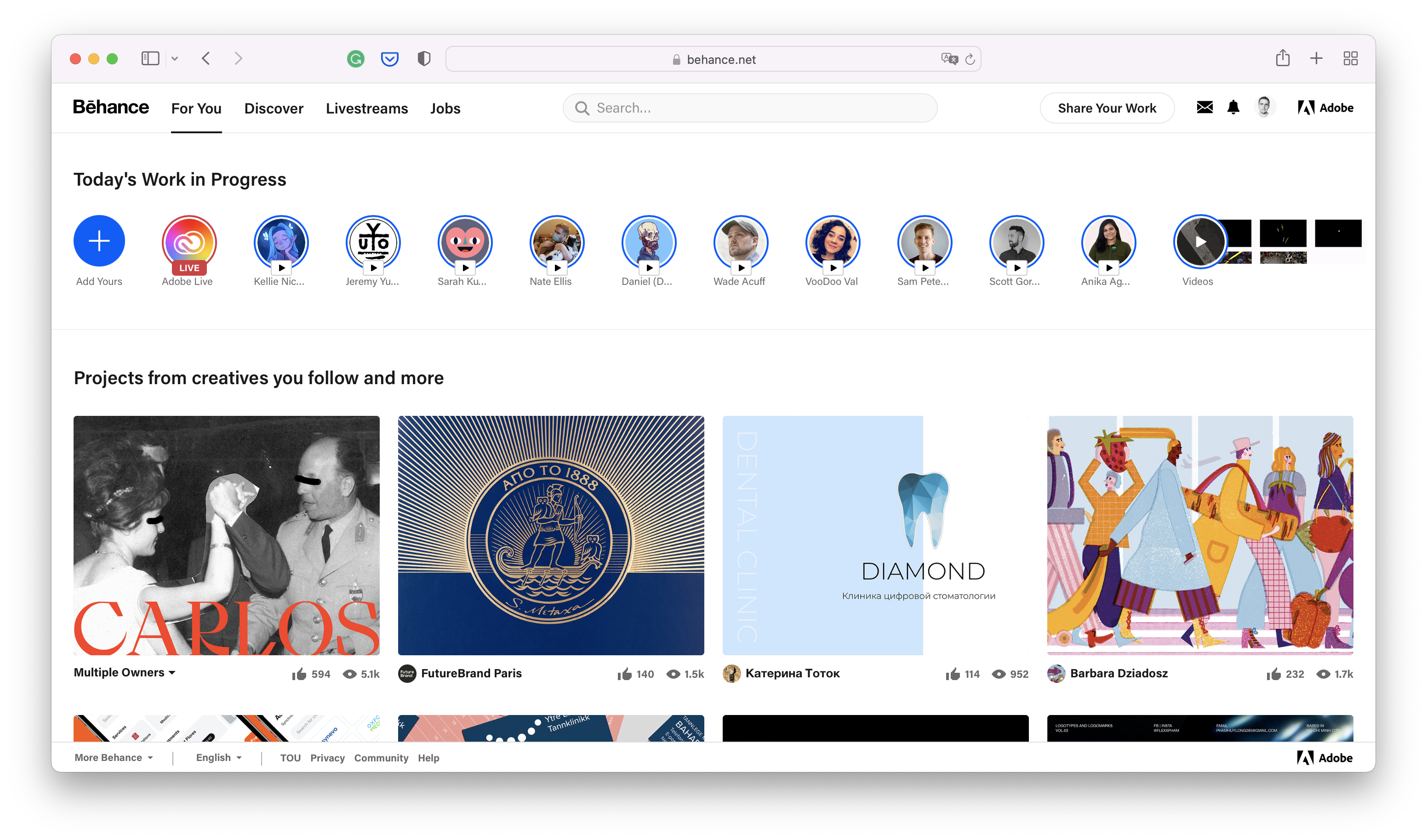
Here are some numbers that will blow you away:
- 14 million users
- 4 billion views
- 275 million likes
We use Behance in our agencies to showcase our work to fellow studios and professionals, give reference to our potential customers and find new perspective talents to strengthen our design team.
The method we use to connect with designers on Behance is quite simple
1. The method
Finding the right designer is one subjective and potentially time consuming process so creating a success criteria (or a decision framework as we call it) is always a good idea. Our general set of criteria looks a lot like this:
- What specialty are we looking for (UX/UI, CGI, graphic design, motion,…)?
- Do we want the designer to be local?
- Does the designer have relevant projects?
- How many projects has he/she uploaded?
- When was the first project uploaded?
- When was the last project uploaded?
- How many overall project views does he/she have?
- Does he/she have any Behance achievements?
This is a simple yet powerful set of questions answering which will help you enormously in finding the right designer.
2. Behance registration
Though Behance is available for browsing without registration (with certain limitations) – you won’t be able to send any messages to potential designers without obtaining an account. But if you already have an Adobe account – you can use that to sign in.

3. Advanced search on Behance
Of course you can casually browse through all the endless great creative works that designers have to offer on the platform. But that’s not why we’re here, right? You’ll probably want to define creative field, location or even tools used and specific colours.
First – go to the top search bar, click on it and select Projects
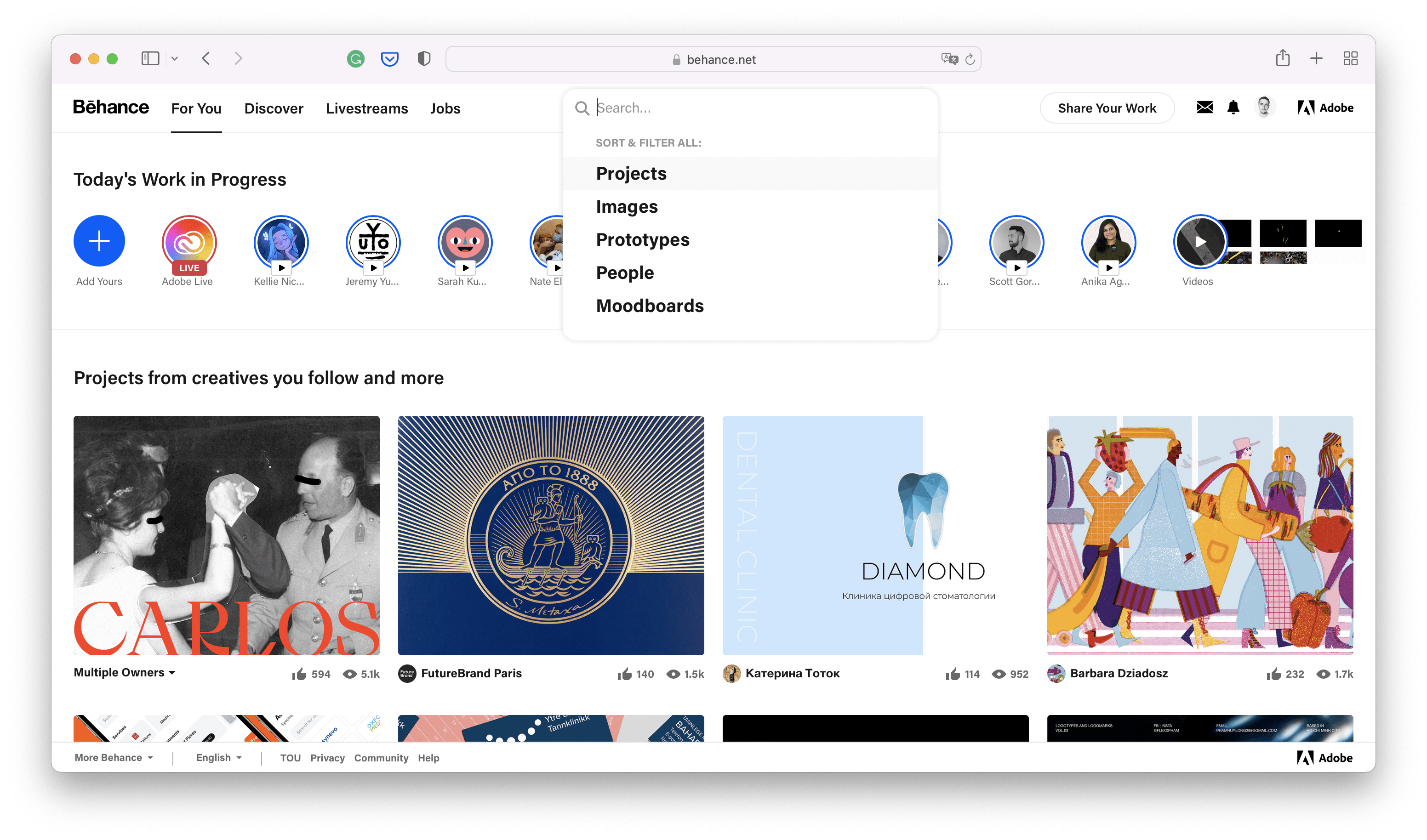
For the sake of this experiment – we will be looking for car-related web-design projects and we are open to global expertise without limiting our choice to only designers from the US, UK or Canada. You can even indicate specific software used in production.

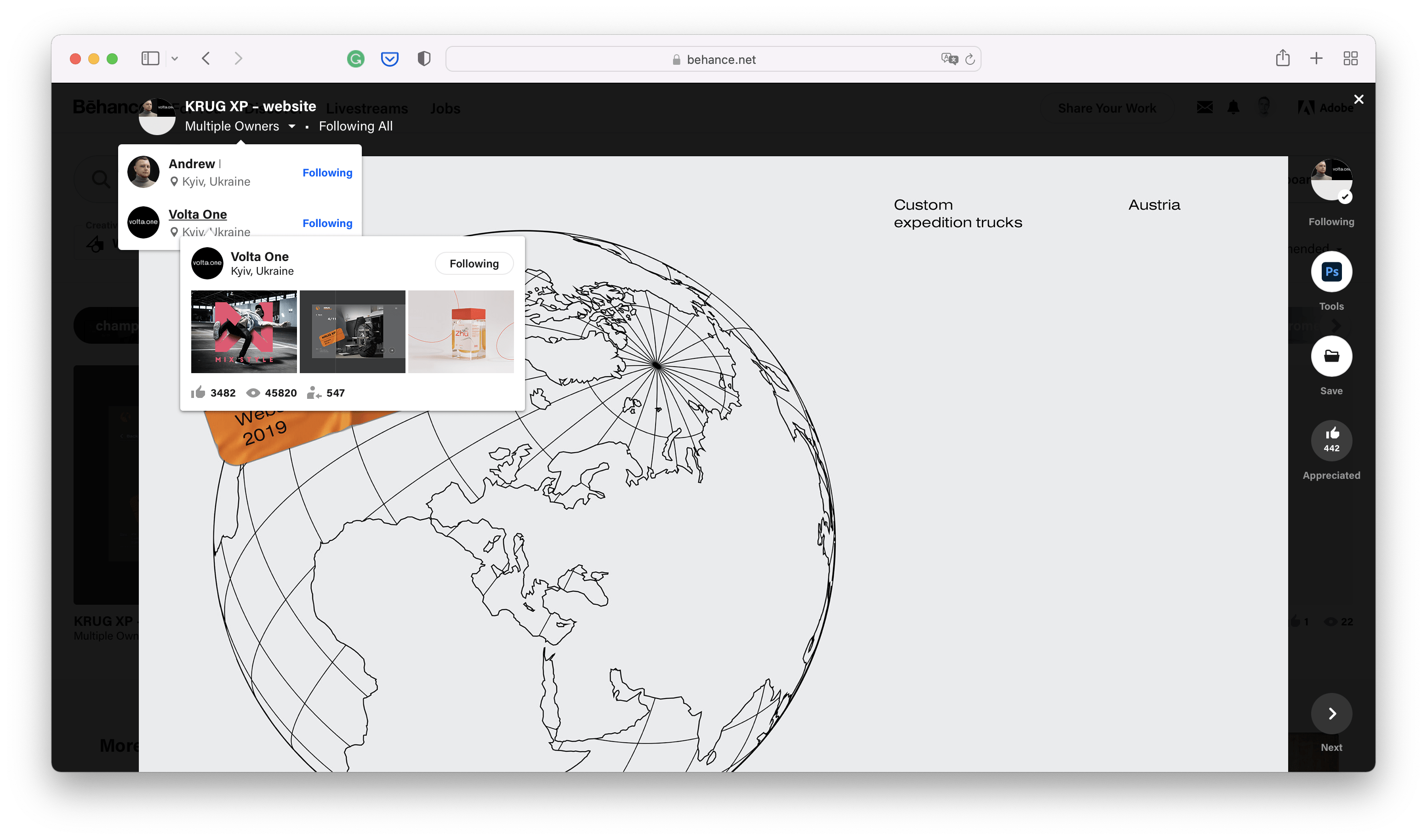
Browse through the projects and open each one that you like as sometimes looks can be deceiving and main image might be better than the actual project itself. While inside the project page – look for the author. Its common that one project was delivered by several designers and all of them are indicated in the authors section. I highly recommend you look through all of their profiles.
4. Connecting with a designer on behance
You will find that author page is essentially a portfolio with works, brief bio and contact info. Usually designers indicate their email or social media addresses but there’s a dedicated option to contact them – a DM on Behance.

While sending your first message to designers on Behance, try to keep it short, informative and friendly. Remember – we all like to be acknowledged so sending a thumbs up for a design you liked won’t hurt anyone.

Takeaways
I know how challenging it can be not only to find but also decide one the right designer so I share my scoring table. I use it as a decision framework and so can you.
Follow this link to create a copy of my Google Spreadsheet.
My method is quite simple:
- Contact designers you selected previously
- Fill spreadsheet with details
- Score them
The table can assist in your decision process but I suggest developing your own set of criteria. You can always modify the calculation formula to meet your scoring system.
As a follow-up – here’s a quote from Pablo Picasso:
I’m not looking – I’m finding